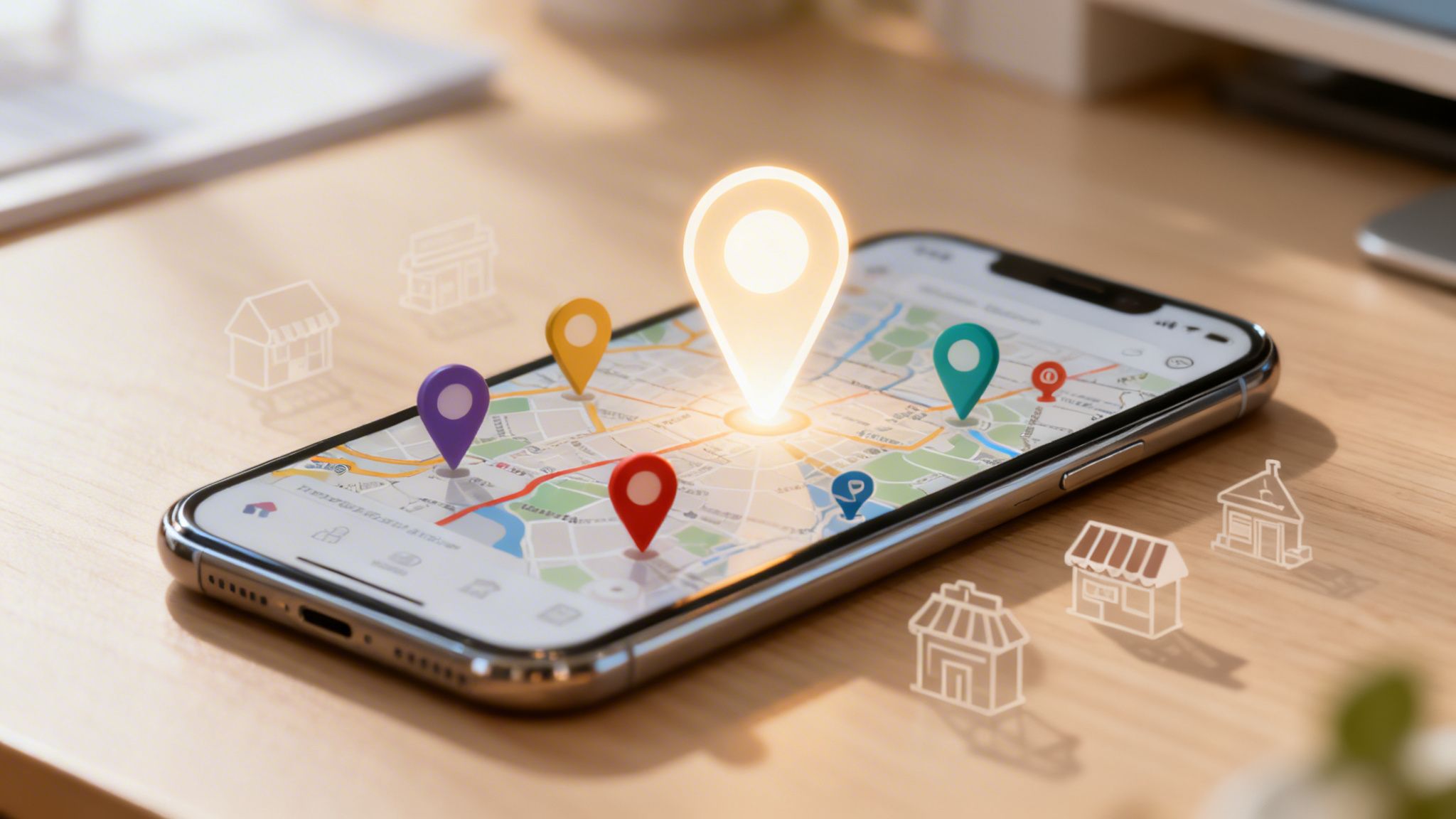

At its core, a Google Maps business listing is your company's digital storefront right inside Google Search and Maps. It’s a free, interactive business card powered by a tool called Google Business Profile, designed to help local customers find you, get in touch, and walk through your door.
What Are Google Maps Business Listings
Imagine one of your potential customers searching for "café near me" or "plumber in Cambridge." That little map at the top of Google, with three businesses neatly displayed, is the direct result of well-managed Google Maps business listings. These aren't just pins on a map; they are dynamic, information-rich profiles built to answer a customer's questions in an instant.
Think of it this way: your website is your comprehensive online headquarters, but your Google Business Profile is your digital front door. It’s often the very first interaction someone has with your brand. Before they even think about clicking through to your site, they can see your opening hours, phone number, address, customer reviews, and photos of your premises or work.
Why Your Listing Matters More Than Ever
In the past, businesses relied on the Yellow Pages. Today, your Google Maps listing does the same job, but with infinitely more power and reach. The importance of this is driven home by one simple fact: here in the UK, a staggering 46% of all Google searches have local intent. That means nearly half of all people searching are looking for products or services in their immediate area. Your listing is the bridge connecting that local intent straight to your business. You can find out more about these GBP trends and insights on rightchoice.ai.
This massive shift in customer behaviour makes a well-managed profile non-negotiable. A complete and active listing doesn’t just get you seen; it builds trust and credibility before a potential customer even speaks to you. A strong presence on Google Maps delivers several key benefits:
- Increased Visibility: It secures your spot in local search results, including the highly-coveted "Local Pack" or "Map Pack" at the top of the page.
- Enhanced Customer Trust: A profile filled with positive reviews and complete information signals that you’re a legitimate and reliable business. In fact, customers are 2.7 times more likely to consider a business with a complete profile to be reputable.
- More Customer Actions: A fully optimised profile can generate up to seven times more clicks than an incomplete one. These actions are high-intent interactions—website visits, phone calls, and direction requests—from people who are ready to engage.
Ultimately, your Google Maps business listing is a powerful client acquisition tool. It acts as your first impression, a source of social proof, and a direct line to ready-to-buy customers, making it an absolutely essential asset for any UK business looking for local growth.
How Google Ranks Businesses on Maps
Ever searched for a service on Google Maps and wondered why one business pops right to the top while another is buried pages deep? It’s not just luck. The order of these google maps business listings is decided by a smart algorithm with three core pillars, all working together to pick the very best answer for the person searching.
Getting your head around these pillars is the key to unlocking success in local search. Think of the algorithm as a savvy local guide, trying to make the perfect recommendation. It bases its decision on three things: proximity, relevance, and prominence.
This diagram shows how your central Google Business Profile is the engine powering both your Google Search and Google Maps listings.
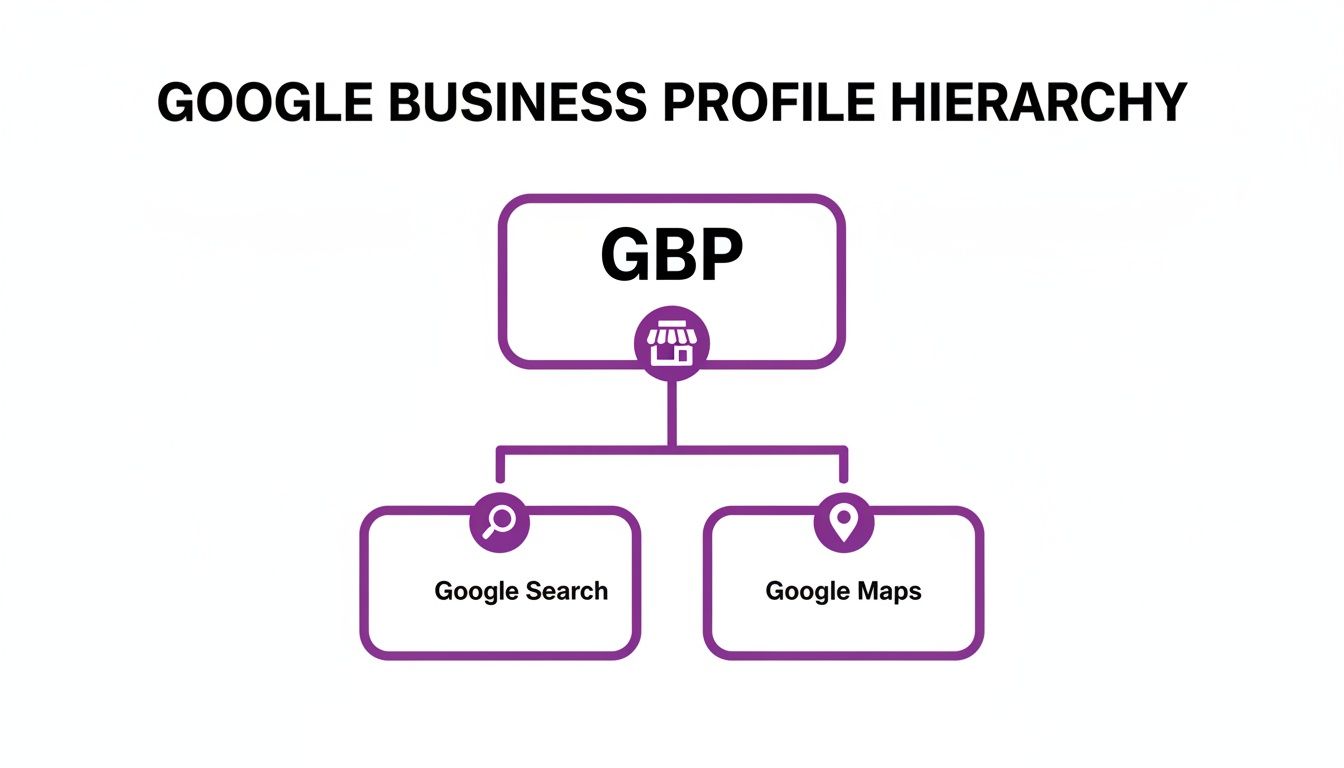
It’s a great visual reminder that one single, well-managed profile is the source of truth for your visibility across Google's two most important local platforms.
The Proximity Factor
Proximity is the most straightforward of the three. It asks a very simple question: how close is your business to the person searching? If someone is standing in the centre of Cambridge and looks for a "coffee shop," Google is naturally going to show them places within walking distance before it suggests one in a nearby town.
But it’s not just about where the searcher is standing. If the user specifies a location in their search, like "emergency plumber in Milton," Google uses that specific area as the centre point. This is exactly why defining your service area properly in your Google Business Profile is so important, especially if you’re a business that travels to your customers.
Proximity is the undeniable starting point for local search. You can't rank for "near me" searches if you aren't, in fact, near the searcher. It’s the first gate you must pass through to even be considered in the local results.
The Relevance Factor
Relevance is all about how well your business profile matches what someone is actually looking for. Think of it like a key fitting a lock. If a person searches for a "vegan wedding caterer," Google scans business profiles to find listings that specifically mention those services.
Google figures out relevance by analysing all the information you feed it in your Google Business Profile. This includes:
- Your Business Name: Does it have relevant words? (A word of warning: don't stuff your name with keywords!)
- Your Categories: Your primary and secondary categories are a massive relevance signal. Choosing "Architect" over a general "Designer" makes a huge difference.
- Services & Products: The detailed lists of services and products you add help Google understand the nitty-gritty of what you do.
- Reviews and Q&A: When customers write "excellent flat white" in a review for your café, it reinforces your relevance for coffee-related searches.
A highly relevant profile leaves no doubt in Google's mind about what you do, making it confident about recommending you. Mastering this is a core part of any effective strategy, just like the expert SEO services in Cambridge we provide for local businesses.
The Prominence Factor
Prominence is about how well-known your business is, both online and in the real world. It's Google's way of measuring your authority and how much you're trusted in the local community. A famous landmark or a long-established local institution will naturally have high prominence.
For most small businesses, prominence is something you have to build over time. Google looks at a few key signals to gauge it:
- Reviews: The number and quality of your Google reviews are a huge deal. A business with 200 positive reviews is seen as far more prominent than one with just five.
- Citations: Mentions of your business name, address, and phone number (NAP) on other reputable websites, like local directories and industry blogs, build up your authority.
- Backlinks: Links to your website from other trusted local sites (like the local chamber of commerce) act as votes of confidence.
- Brand Search Volume: The number of times people search directly for your business name is a strong sign of real-world reputation.
At the end of the day, Google wants to show searchers businesses that are not only close and relevant but also popular and trustworthy. By getting to grips with proximity, relevance, and prominence, you give your business the best possible chance to climb those local rankings.
Building Your Ultimate Business Profile
Once you understand the ‘why’ behind local rankings, it’s time to roll up our sleeves and get practical. Your Google Business Profile is the absolute engine that drives your visibility on Google Maps business listings. Think of this section as the ultimate tune-up guide, transforming your basic profile into a high-performance machine for attracting local customers.
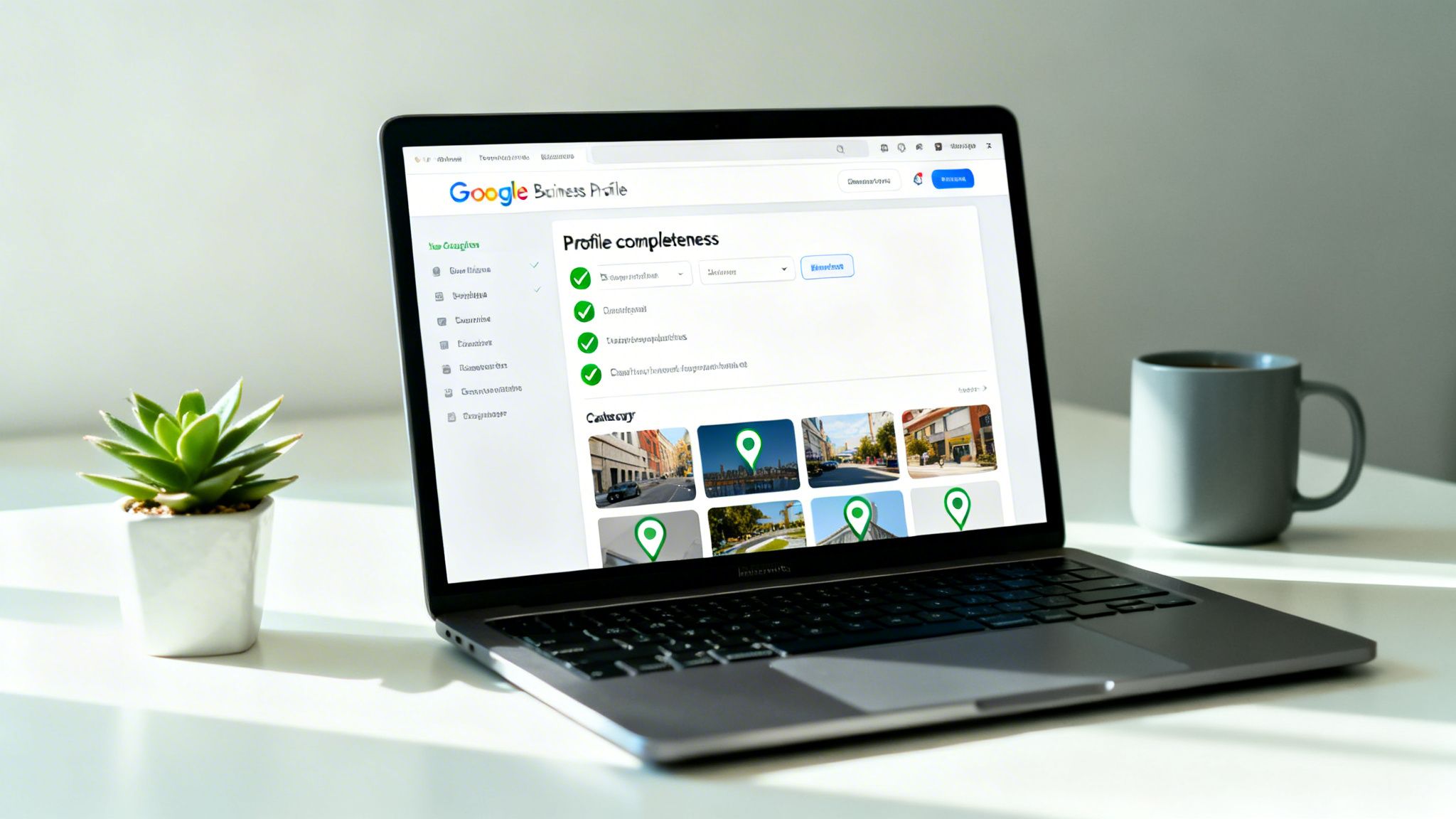
The first, non-negotiable step is to claim and verify your listing. Google needs to know you're the real owner of the business at its stated address. This usually involves getting a postcard with a PIN, taking a phone call, or sometimes even recording a short video of your premises and signage.
Without verification, you can't manage or optimise a thing. You're effectively invisible.
Nailing Your Business Categories
Once you're verified, your next decision is the most important one you'll make: your business categories. This is the #1 ranking factor for getting into the Google Maps Local Pack, yet it's where so many businesses go wrong. Your category choice tells Google exactly what you do, directly matching your business to what customers are searching for.
Your primary category needs to be the most specific and accurate description of your main service. For instance, a law firm should choose "Family law solicitor" or "Criminal justice solicitor," not just the generic "Solicitor." It's this level of detail that wins you the high-intent searches that really matter.
After that, you’ll add secondary categories to cover the other major services you offer. An interior designer might set "Interior Designer" as their primary category but add "Kitchen Remodeller" and "Bathroom Designer" as secondary ones. This casts a wider net for all the different ways customers might look for them.
Optimising your Google Business Profile categories is the single most powerful signal you can send if you want to dominate local map results. With 4,039 categories available as of early 2024, including niche options for architects, photographers, and caterers, precision is everything. Choosing the right primary category lines your business up with specific searches and can even unlock special features like booking buttons or menu lists. You can see a full breakdown of Google Business Profile categories on localdominator.co.
Achieving 100 Percent Profile Completeness
An incomplete profile is like a shop with a half-empty window display—it doesn't inspire confidence and people will just walk on by. Aiming for 100% profile completeness builds trust with both Google and your potential customers.
Here's a straightforward checklist to help you get everything filled out properly.
GBP Profile Completeness Checklist
This table breaks down the core elements you need to complete to build a fully optimised, trustworthy profile that Google will want to show to searchers.
| Element | Optimisation Action | Impact on Ranking |
|---|---|---|
| Business Name | Use your real-world business name. Do not add keywords. | High |
| Address/Service Area | Enter your physical address or define your specific service areas. | High |
| Phone Number | Use a primary, local business phone number. | High |
| Website | Link to your website’s homepage or a relevant location page. | High |
| Categories | Select a precise primary category and relevant secondary categories. | Very High |
| Opening Hours | List accurate hours, including special hours for holidays. | Medium |
| Photos | Add at least 10 high-quality, geotagged photos. | High |
| Services/Products | Detail every service or product you offer with descriptions. | High |
| Business Description | Write a compelling, 750-character summary of your business. | Medium |
| Attributes | Add relevant attributes like 'Wheelchair accessible' or 'Free Wi-Fi'. | Medium |
Getting these basics locked down sends a massive signal to the algorithm that your business is legitimate, active, and ready for customers.
Crafting a Compelling Profile
Once the core data is in, it's time to bring your profile to life. This means filling it with rich, helpful content that turns someone just browsing into an actual customer.
1. Upload High-Quality Photos and Videos
Visuals are absolutely critical. Businesses with photos receive 42% more requests for directions and 35% more clicks to their websites. Get clear, professional images of your shopfront, your interior, your team, and your work in action. A great little tip is to geotag your photos (add location data) before you upload them; it can provide an extra local signal to Google.
2. Detail Your Products and Services
Don't just list a service; describe it. Use the Services and Products sections to detail exactly what you offer, using the kind of keywords your customers would search with. For a creative business, this is the perfect spot to show off a portfolio. If you're a photographer, for example, creating detailed service listings for weddings, family portraits, and commercial work can be a game-changer. We cover more tips like this in our complete guide on SEO for photographers.
3. Write a Persuasive Business Description
You have 750 characters to make your case. This is your digital elevator pitch. Use this space to explain what makes your business unique, who you help, and what people can expect when they choose you. Put your most important message right at the start and include a clear call to action. Make it count.
By methodically working through each part of your profile, you create a robust, trustworthy, and highly relevant listing. This rock-solid foundation is the first major step towards dominating the local search results on Google Maps.
Keeping Your Listing Active and Engaging
One of the biggest mistakes we see business owners make is treating their Google Business Profile as a one-and-done task. They set it up, fill in the basics, and then walk away. But here’s the thing: a static, dusty profile is a major red flag for Google.
An active, regularly updated profile signals that your business is open, relevant, and engaged with its customers. It’s not just a directory listing; it’s a living, breathing marketing channel that directly influences your rank on Google Maps business listings.
Think of it like tending a shop window. A neglected window full of old displays and dust tells passers-by you don’t really care. But a window that’s always fresh, with new arrangements and timely offers, is vibrant and inviting. Your Google profile is your digital shop window; consistent attention is what gets customers through the door.
The Power of Google Posts
One of the easiest ways to show Google you’re active is by using Google Posts. These are basically mini-adverts or social media updates that pop up right on your business profile when someone searches for you. They’re perfect for grabbing attention with timely information.
You can use Posts for all sorts of things:
- Announce offers and promotions: “Get 15% off all wedding photography packages this month.”
- Share news and updates: “We've just launched our new spring menu! Come and try it.”
- Highlight a specific service: “Need an emergency plumber? We offer 24/7 call-outs across Cambridge.”
- Showcase recent projects: Post a photo of a stunning interior design project you just finished.
Try to publish a new Post at least once a week. This simple, regular activity proves ‘freshness’ to the algorithm, a key signal that your business is current and paying attention. For a deeper dive into organising all your local marketing efforts, check out our complete local SEO checklist.
The Immense Value of Customer Reviews
Reviews are the absolute lifeblood of your local reputation and a massive piece of the ‘prominence’ puzzle. A steady stream of positive reviews shows potential customers that you’re a trusted choice. Even better, it tells Google that real people are actively engaging with and validating your business.
Make a habit of encouraging happy customers to leave feedback. A simple follow-up email or a polite request after a job well done can make all the difference. If you can, ask them to mention the specific service they received and the town they’re in—this sprinkles valuable, relevant keywords right into your listing.
But getting reviews is only half the battle. Responding to them—every single one—is just as crucial.
- For positive reviews: Thank the customer personally. Acknowledge their specific comments to show you’ve actually read and appreciate their feedback.
- For negative reviews: This is your chance to shine. Respond quickly, professionally, and with empathy. Acknowledge their problem and offer to take the conversation offline to resolve it. This demonstrates brilliant customer service to everyone else who reads it.
Profile freshness through regular updates and review responses dramatically boosts UK Maps rankings. In fact, one analysis showed that active listings saw 28% more discovery views in just 90 days compared to static ones. Research confirms that businesses posting weekly and replying to reviews daily consistently outrank dormant profiles, proving that engagement is a powerful ranking factor. You can explore more data on how profile activity drives Google rankings at MapRanks.com.
Proactively Manage Your Q&A Section
The Questions & Answers feature on your profile is a goldmine for proactive customer service, but it’s often completely ignored. This section lets anyone ask a question about your business, and for you (or frankly, anyone else on the internet) to answer it. Don't leave it to chance.
You can and absolutely should pre-populate this section yourself. Think about the top ten questions you get asked all the time. Post them on your own profile and then answer them clearly and helpfully. This not only saves you and your customers time but also lets you control the narrative and showcase your expertise before anyone else does.
By consistently using Posts, managing reviews, and owning your Q&A section, you send powerful signals of activity and trustworthiness. This ongoing engagement is what separates the top-ranking businesses from the rest of the pack, turning your Google Maps listing from a simple entry into a dynamic tool for growth.
Advanced Strategies to Dominate Your Local Area
Moving beyond a single, perfectly optimised profile is where you unlock the next level of local dominance. For ambitious businesses, especially those with multiple locations or those who travel to serve their clients, advanced strategies are needed to truly own your market on Google Maps business listings.
This is where you shift from simply being present to strategically capturing your entire operational footprint.
For businesses with more than one branch—like a chain of cafés or a legal firm with offices in several towns—consistency is the name of the game. It’s a balancing act. You need to make sure your core brand identity is rock-solid across the board, while still letting each location’s unique character shine through. When you get this right, it multiplies your local authority.
The single biggest challenge here is maintaining perfect NAP (Name, Address, Phone number) consistency across every single listing. Even a tiny variation, like using "Ltd" on one profile and "Limited" on another, can confuse Google and dilute your authority.
Managing Multiple Business Locations
Scaling your presence requires a systematic approach. Manually updating dozens of profiles one by one is a recipe for mistakes and wasted hours. Instead, successful multi-location brands lean on tools and processes to stay in control.
Here are the cornerstones of a robust multi-location strategy:
- Centralised Management: Use the Google Business Profile Manager dashboard to group all your locations. This is a game-changer, allowing you to push out bulk updates for things like holiday hours or brand-wide announcements, saving an immense amount of time.
- Scaled Content and Reviews: Create a system for rolling out Google Posts across multiple profiles, but always add a local touch to each one. At the same time, empower your local managers to respond to reviews promptly, making sure each branch feels personal while sticking to brand guidelines.
- Location-Specific Pages: Every Google Business Profile must link to a dedicated landing page on your website for that exact location. This page needs to feature the correct NAP, local team members, area-specific testimonials, and content that speaks to that community.
This approach creates a powerful network effect. Each well-managed location reinforces the authority of the others, building a formidable brand presence across your entire service region.
Optimising for Service Area Businesses
But what if you don't have a physical storefront? For tradespeople, mobile creatives, and home-based consultants, setting up as a Service Area Business (SAB) is essential. This setting lets you hide your home address while clearly defining the specific postcodes, towns, or counties you serve.
A classic mistake for SABs is listing a home address just to try and rank in one specific spot. This not only compromises your privacy but also severely limits your reach. By defining a service area, you tell Google you're available across a whole region, boosting your chances of appearing in "near me" searches from customers throughout that zone.
The key is to be honest and accurate with your service area. Don't over-reach; only list the areas you can genuinely and efficiently serve. This ensures you attract relevant enquiries and maintain a strong, trustworthy signal with Google.
Building Authority with Citations and Schema
Beyond your own profile, your authority is built on what other trusted online sources say about you. This is where local citations and website schema come into play, acting as powerful third-party endorsements.
1. Build High-Quality Local Citations:
A citation is simply any online mention of your business's name, address, and phone number (NAP). Getting listed in reputable, UK-specific directories (like Yell, Thomson Local, or industry-specific sites) acts as a vote of confidence for Google. Consistency is everything—every single citation must match your GBP information exactly.
2. Implement Local Business Schema:
Schema markup is a piece of code you add to your website's backend. It translates your business information into a language that search engines can instantly understand, explicitly confirming your NAP, opening hours, and business type. This technical step removes any ambiguity for Google, reinforcing the accuracy of your listing. For a detailed analysis of your own profile's strengths and weaknesses, you can get a comprehensive Google Business Profile report to guide your next steps.
By combining sharp multi-location management, precise service area definitions, and authority-building signals like citations and schema, you create a sophisticated local SEO engine. This advanced playbook helps you not just compete, but truly dominate your local area.
Measuring Performance and Avoiding Common Pitfalls
All this optimisation work is fantastic, but if you’re not tracking the results, you’re just guessing. To understand what's actually working for your google maps business listings, you need to get comfortable with Google Business Profile (GBP) Insights. This is your built-in dashboard, and it’s the only way to connect your efforts to real-world outcomes.
Think of Insights as your business's performance report card. It tells you exactly how customers are finding you and what they do once they see your listing. Without this data, you’re flying blind, unable to tell which of your tweaks are driving calls, clicks, and new customers through the door.
Understanding Your Key Metrics
GBP Insights breaks down your performance into a few core areas, and knowing the difference between them is crucial for building a smart local strategy.
The most important distinction is how people found your listing in the first place:
- Direct Searches: These are people who looked you up by name (e.g., "Bare Digital Cambridge"). This is a great measure of your brand awareness and existing reputation.
- Discovery Searches: This is the goldmine. These are users who searched for a service or product you offer, and your listing appeared (e.g., "local SEO agency near me"). A high number here means your optimisation is successfully reeling in new customers.
Measuring performance is what separates proactive business growth from hopeful guesswork. A rising number of 'Discovery' searches is a clear sign that your optimisation is working, putting your business in front of potential customers who didn't know you existed until that moment.
Common Mistakes That Sabotage Your Success
Even with the best intentions, it's surprisingly easy to make mistakes that can actively harm your visibility on Google Maps. Just being aware of these common tripwires is the first step to avoiding them. A regular health check of your profile will help you spot issues before they cause damage, and using a Google Business Profile audit tool can make this whole process much quicker.
It's easy to get things wrong, but it's just as easy to get them right. Below, we've outlined some of the most frequent errors we see businesses make and, more importantly, what you should be doing instead.
Common GBP Mistakes and How to Avoid Them
| Common Mistake | Why It Hurts Your Ranking | What to Do Instead |
|---|---|---|
| Keyword Stuffing | Squeezing keywords like your town or service into your business name. Google sees this as spammy and might suspend your listing. | Use your exact, real-world business name. Let your categories, services, descriptions, and posts do the heavy lifting for keywords. |
| Inconsistent NAP | Having different names, addresses, or phone numbers across the web. This confuses Google and erodes the trust signal. | Ensure your Name, Address, and Phone number (NAP) are 100% identical everywhere, from your website to social media and business directories. |
| Using Fake Reviews | Buying reviews or getting staff to post them is a major policy violation that can lead to penalties and destroy customer trust. | Create a simple, repeatable process to encourage genuine reviews from real, satisfied customers after you've completed a job or sale. |
Steering clear of these pitfalls isn't just about following rules; it's about building a trustworthy, professional presence that both Google and your future customers will appreciate.
Got Questions About Your Google Maps Listing?
Trying to get your business to stand out on Google Maps can bring up a lot of questions. To cut through the noise, we've rounded up the most common queries we hear from UK business owners just like you. Here are straight, no-nonsense answers to help you sharpen your local strategy.
How Long Does It Take to See Results?
This is the big one, and the honest answer is that it's a long game. While a few quick wins, like adding the right business categories, might give you a small, immediate bump, real, lasting improvements in your local rankings build up over time.
You can expect to see significant, sustainable growth anywhere from three to twelve months in. Think of your initial profile setup as laying a strong foundation. The real magic happens with consistent, ongoing effort—publishing weekly Google Posts, encouraging a steady stream of new reviews, and building up your local citations. Patience and persistence are everything here.
Does My Home Address Have to Be Public?
Absolutely not. This is a huge relief for anyone running a service-area business from home, whether you're a plumber, a consultant, or a mobile beautician. When you set up your Google Business Profile, you can specify that you serve customers at their locations, not yours.
This feature is a game-changer. It lets you completely hide your home address from public view. Instead, you get to define a service area by outlining the specific postcodes, towns, or counties you cover. This means you show up in all the right local searches without ever having to compromise your privacy.
What Should I Do About a Negative Review?
Getting a bad review stings, there's no doubt about it. But it's also a golden opportunity to show everyone what fantastic customer service looks like. The trick is to respond quickly, professionally, and publicly, right there on your listing.
Start by acknowledging their feedback. Show some genuine empathy for their bad experience, and then offer to take the conversation offline to sort things out. This public reply shows every potential customer reading it that you take problems seriously and deal with them constructively. Whatever you do, never ignore a negative review or get into a public argument. A calm, thoughtful response can turn a bad situation around and even strengthen your reputation.