

That gut-wrenching moment you log into your analytics and see a vertical drop in traffic is a feeling no website owner ever wants. Before you spiral into panic, take a breath. The first step is to stay calm and methodical.
More often than not, the culprit is something surprisingly simple. Your immediate job is to rule out the most common and easily fixable explanations before you start diving into complex SEO mysteries.
Your First Response When Website Traffic Plummets
Let's get straight to it. Before you even think about Google algorithm updates or backlink profiles, you need to check the absolute basics. I've seen countless hours wasted on deep-dive SEO investigations when the real problem was something that could have been fixed in five minutes.
First up: check your analytics tracking code. Has your website been updated recently? A theme update, a new plugin, or even a simple human slip-up can easily break or remove the tracking script. If that code isn't firing properly on every single page, your analytics platform simply won't see any visitors. This creates the illusion of a catastrophic traffic crash when, in reality, people are still visiting your site just fine.
Check Your Foundations First
Next on the list is your server's uptime. It sounds obvious, but you’d be surprised how often it's overlooked. If your website was down, even for a few hours, that’s a direct cause of a traffic drop. Why? Because no one—not users, not search engine crawlers—could access it.
Pop over to your hosting provider’s status page or use an independent uptime monitor. You're looking for any reported outages that line up with the dates of your traffic decline.
This decision tree shows the first two questions you absolutely must answer before going any further.
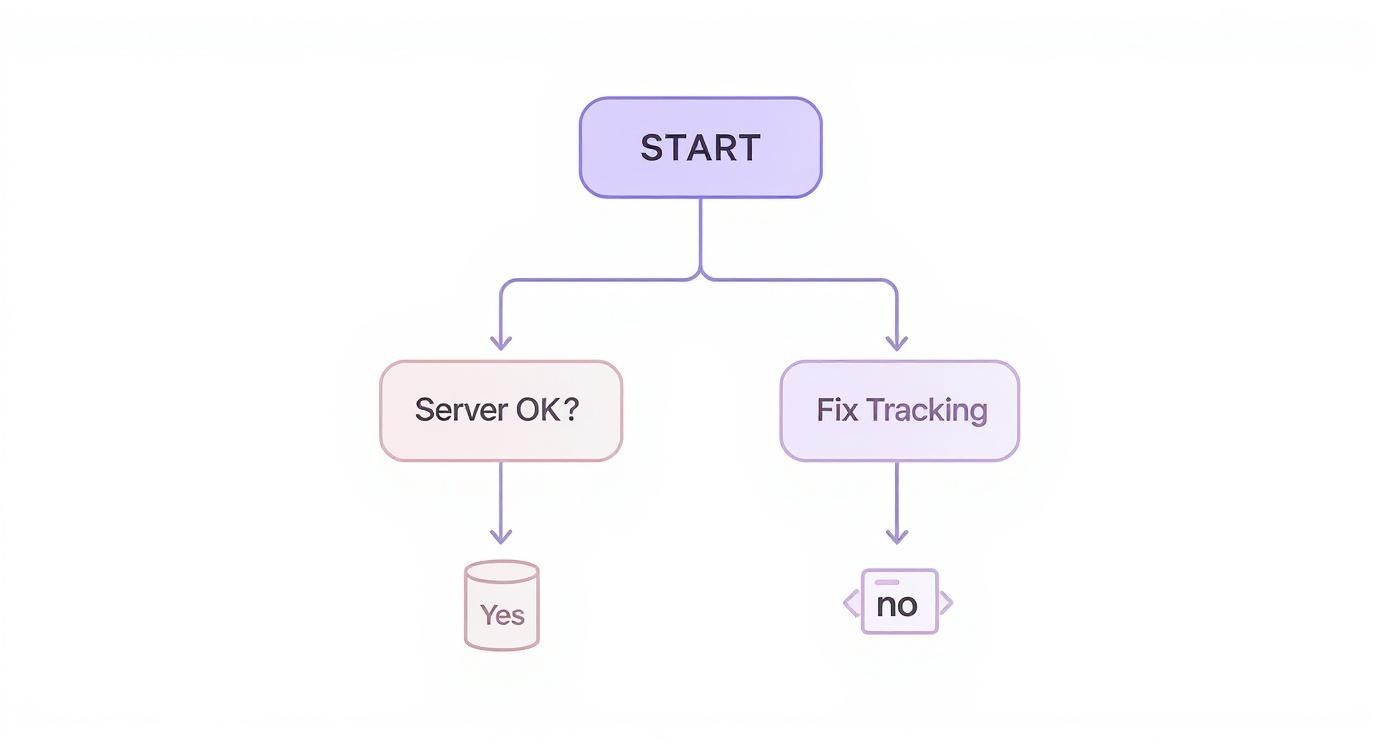
As the flowchart shows, checking your analytics and server stability is non-negotiable. By systematically clearing these two potential issues off the board first, you can focus your energy where it really matters—on things like algorithm updates or technical SEO faults—instead of chasing ghosts in the machine.
To give yourself a structured approach, here’s a quick checklist to run through right away.
Immediate Diagnostic Checklist
This simple table covers the absolute first things you need to verify the moment you notice a traffic drop. Working through this methodically will save you a lot of time and stress.
| Check Area | What to Look For | Recommended Tool |
|---|---|---|
| Analytics Tracking | Is the tracking code present on all pages? Is it firing correctly? | Google Analytics Real-Time report, Tag Assistant |
| Server Uptime | Were there any server outages or downtime periods? | Your hosting provider's status page, UptimeRobot |
| Manual Actions | Has Google issued a manual penalty against your site? | Google Search Console (Security & Manual Actions) |
Once you’ve gone through this list and ruled out the basics, you’ll have a much clearer idea of what’s really going on.
To effectively respond to a sudden traffic plummet, your immediate action should be to consult a complete guide to website analysis to pinpoint the underlying causes. This ensures you're tackling the real issue from the get-go.
After you've stabilised the situation, you can switch from reactive fire-fighting to proactive growth. For a deeper look at sustainable strategies, our guide on how to improve website traffic offers long-term solutions. By confirming your fundamentals are solid, you build a reliable base for recovery and future optimisation.
Investigating Google's Role in Your Traffic Loss
If your analytics and server checks haven't turned up anything suspicious, your next port of call is the big one: Google. When website traffic vanishes overnight, it's often because the search engine has changed its mind about your site.
These shifts can happen for a few reasons. It might be an algorithm update that’s re-evaluating what it considers a "quality" site, a direct penalty for breaking the rules, or even a simple indexing glitch that's making your pages disappear from search results.
Your First Stop: Google Search Console
Think of Google Search Console (GSC) as your direct line to Google. It's the first place you should look, as it’s where Google will flag any major, site-specific problems it has found.
There are two sections you need to check immediately:
- Manual Actions: This report is exactly what it sounds like. It'll tell you if a human reviewer at Google has penalised your site for violating their webmaster guidelines.
- Security Issues: This is where you’ll find alerts about malware, hacked content, or other security threats that could get your site blacklisted.
Getting a notification here is never fun, but at least it gives you a clear diagnosis. If you do find yourself with a penalty, our guide on recovering from a Google penalty can walk you through the next steps.
This is the Performance report in Google Search Console, which will become your best friend as you diagnose what’s gone wrong.
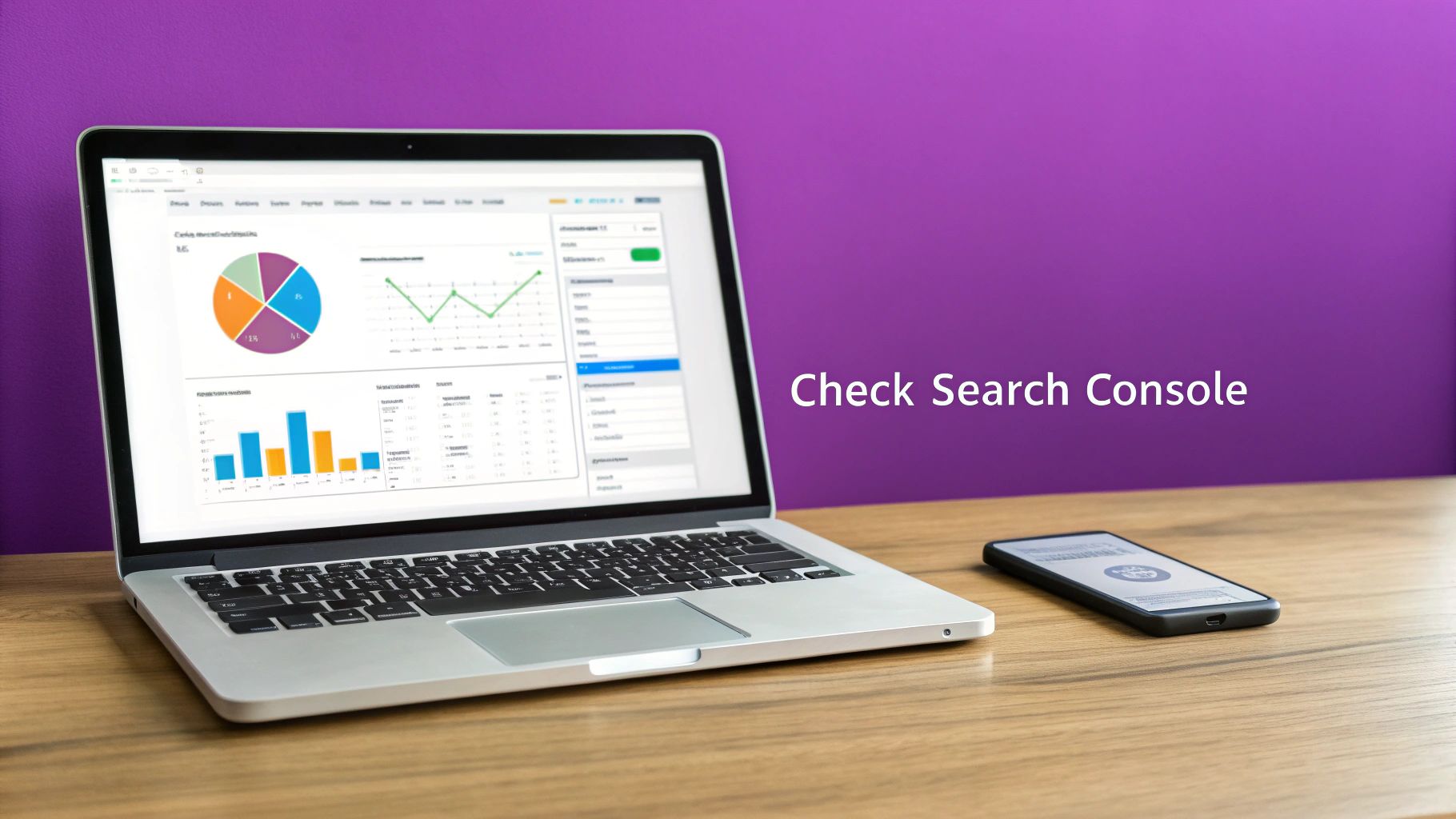
Use this dashboard to line up the date of your traffic drop with any changes in clicks, impressions, or your average keyword positions.
Correlating Your Drop with Algorithm Updates
If you've checked GSC and there are no manual actions, the most likely culprit is a Google algorithm update. While Google makes small tweaks all the time, its major "core updates" can cause huge waves, completely rearranging rankings as they redefine how site quality is measured.
The trick is to cross-reference the date your traffic plummeted with the dates of known algorithm updates. If you suspect a search engine algorithm shift, reviewing how recent Google core updates might have impacted your site can provide crucial clues. A perfect match between your drop and a confirmed update is a pretty strong signal.
These updates aren't trivial; they can hit even the biggest websites hard. For instance, recent core updates in the UK had a significant impact on top news sites. An analysis of 74 prominent UK news outlets revealed that 57% saw their Google search visibility tank. Some of the drops were staggering, with TechRadar and the Daily Mail losing 48.1% and 30.5% of their visibility respectively.
Understanding whether your traffic loss is an isolated issue or part of a broader industry shake-up is vital. It dictates whether your recovery plan should focus on fixing a specific penalty or on a fundamental improvement of your site’s overall quality and authority.
By digging into Google Search Console and lining up your data with update timelines, you can get a much clearer picture of whether Google is behind your traffic woes and start planning a smart recovery.
Conducting a Technical SEO Health Check
If you've ruled out a Google penalty or algorithm update, the next place to look is under the bonnet. Technical SEO issues are often the silent culprits behind a sudden traffic drop, and even a tiny fault can make huge chunks of your website invisible to search engines.
It’s surprising how often these problems are completely accidental. I’ve seen developers leave a noindex tag on a crucial page after a site update, which is like putting a "do not enter" sign up for Google. Or, a simple mistake in the robots.txt file could be blocking crawlers from entire sections of your site, causing pages to vanish from the index.
Pinpointing Critical Technical Errors
When you’re in firefighting mode, you need to focus on the big stuff first. Certain technical errors are notorious for causing catastrophic drops in organic traffic, so that’s where we’ll start the investigation.
Your priority checklist should look something like this:
- Indexing Issues: Are your most important pages actually in Google's index? Use the "URL Inspection" tool in Google Search Console to check for accidental
noindextags or other indexing blocks. This is non-negotiable. - Crawlability Problems: Take a close look at your
robots.txtfile. Make sure you haven’t accidentally disallowed crawlers from accessing vital CSS or JavaScript files, or worse, entire content directories. - Site Migrations: Did the traffic drop happen right after a website redesign or a move to a new domain? If so, your 301 redirects are the prime suspect. Missing or broken redirects are one of the fastest ways to kill your traffic post-migration.
A botched site migration is one of the most common reasons I see for a catastrophic traffic drop. Failing to map old URLs to new ones correctly tells Google that your valuable, authoritative pages have simply vanished, taking their rankings with them.
Analysing Site Performance and Usability
Once you've checked for the immediate showstoppers, it's time to look at the signals that impact user experience. Google cares a lot about how users interact with your site, and a sudden downturn in performance can definitely hurt your rankings.
This is where you need to broaden your search to include site speed and mobile-friendliness. A slow-loading site or one that’s a nightmare to use on a phone creates a terrible user experience. People will leave, your bounce rate will climb, and your rankings will eventually follow. Pop your domain into Google's PageSpeed Insights to get a quick health check.
Broken internal links are another classic problem. They frustrate users and stop search engine bots in their tracks, preventing them from properly crawling and understanding your site structure. Running a crawl with a tool like Screaming Frog is the quickest way to hunt down and fix all those 404 errors.
For a more structured approach, our technical SEO audit checklist provides 15 essential elements to guide you through a much deeper dive. By working through these checks methodically, you’ll find the technical faults holding you back and get your traffic moving in the right direction again.
Analysing Your Content and Keyword Rankings

So, you've checked the technical side of things and nothing’s broken. That often points the finger at your content. Sometimes, a traffic drop isn't down to a single catastrophic event but a slow burn—a gradual erosion of your content's relevance or a competitor finally tipping the scales.
The first job is to pinpoint where the damage is. Get into your analytics and find which specific pages or keyword clusters have taken the biggest knock. Is the drop isolated to a few of your star blog posts, or are you seeing a more concerning dip across the entire site?
Identifying Problem Pages and Keywords
A granular analysis is everything here. Don't just stare at the overall traffic graph; segment your data to see the real story. By comparing your current performance against a previous, healthier period, you can isolate the exact URLs that are bleeding traffic.
Once you have that list of underperforming pages, it's time to ask some tough questions:
- Is the information outdated? A guide to "the best smartphones of 2022" isn't going to cut it today. Freshness matters, especially for fast-moving topics.
- Does the content still match search intent? The way people search evolves. What used to be a simple question might now demand a far more detailed, multi-faceted answer from Google.
- Is the user experience poor? Pages that load at a snail's pace, throw up annoying pop-ups, or present a wall of text are red flags for Google. They signal that users aren't having a good time, which can absolutely tank your rankings.
When a previously high-ranking page starts to fall, it’s often because competitors have published more thorough, up-to-date, or genuinely helpful content. A content audit isn’t just about finding your own faults; it’s about measuring your articles against the new gold standard set by the pages that are now outranking you.
The Rise of Zero-Click Searches
Here’s a frustrating twist: even if your rankings seem stable, your traffic can still plummet. A huge factor behind this is the rise of zero-click searches, where users find their answers directly on the search results page and never click through to a website.
This has become a major headache for many UK businesses.
With the introduction of AI Overviews and the expansion of featured snippets, a staggering 60% of Google searches now end without a click. This trend is a massive contributor to sudden traffic drops, as Google satisfies queries on its own turf. For businesses in the UK and EU, around 59.7% of all searches are now zero-click, which can decimate the organic traffic you thought you could count on. You can read the full research about these traffic trends to get a better sense of the impact.
This shift means you have to rethink not just your content's quality but its entire purpose. Creating content that demands a click—by offering deeper insights, tools, or data not available in a snippet—is more critical than ever if you want to protect your organic traffic.
Reviewing Backlinks and Referral Traffic Sources
It's easy to get tunnel vision and focus only on what's happening on your website, but your site doesn't exist in a bubble. A huge part of its authority, and often a decent chunk of its traffic, comes from how other sites on the web link to it. If you've seen a sudden traffic drop, the problem might not be on your site at all—it could be somewhere in this external ecosystem.
Think about it this way: a single high-quality backlink can be a massive vote of confidence for your site. If a major industry news outlet has been linking to your definitive guide for years and suddenly redesigns their website, that link might vanish. When it does, the authority it passed to your page disappears with it, and Google might start to see your page as less important.
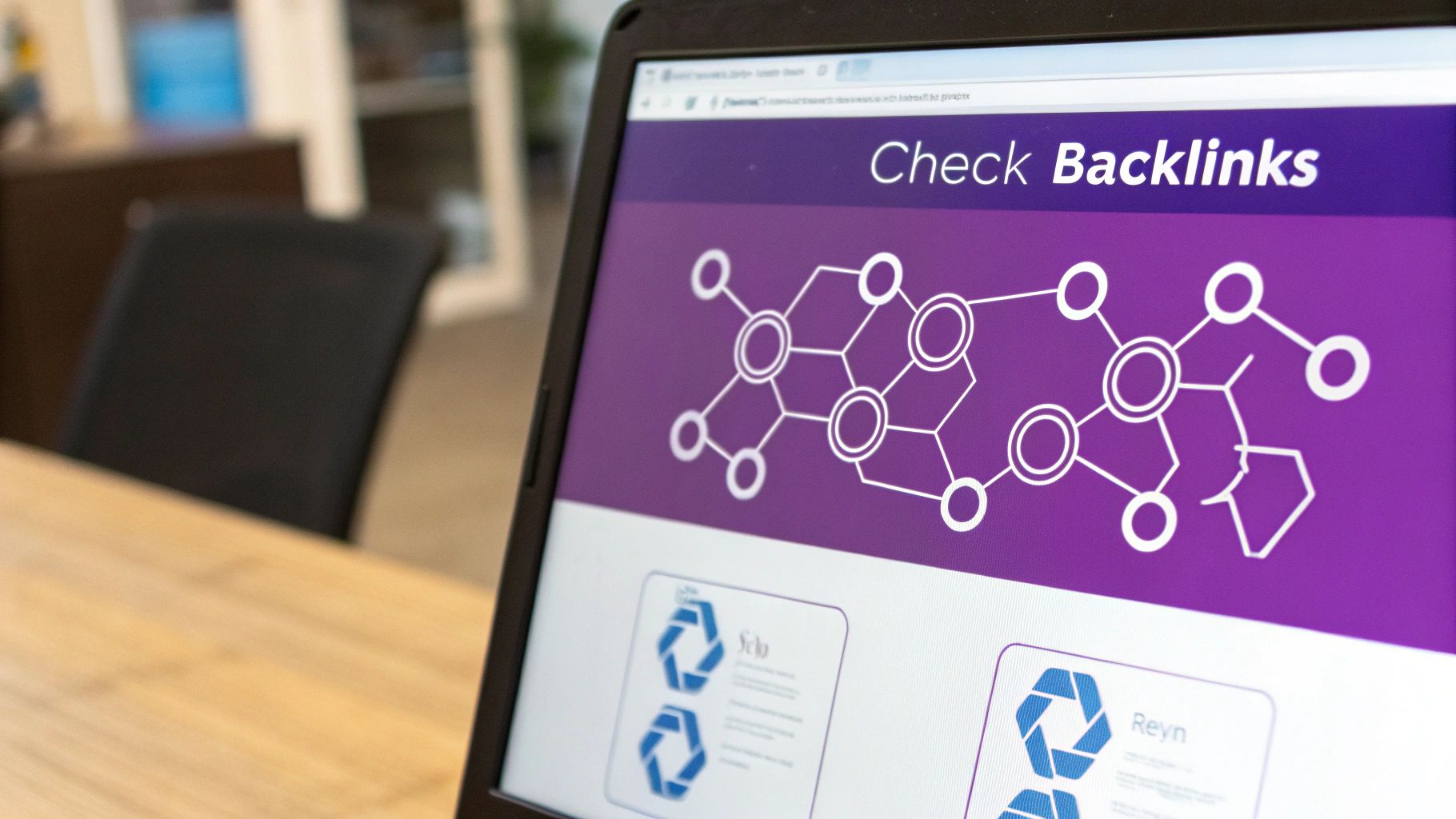
This is exactly why a regular backlink audit isn't just a "nice-to-have." Jump into a tool like Ahrefs or Semrush and monitor for lost links. You need to pay special attention to links from authoritative domains that have recently disappeared, as these are the ones that hurt the most. Of course, the best defence is a good offence; our guide on how to build backlinks shows you how to do it sustainably to build a stronger foundation.
Looking Beyond Organic Search
While backlinks have a direct line to your SEO performance, don't forget to look at your other traffic sources. A nosedive in referral traffic can be just as revealing.
Get into your analytics platform and pull up the 'Referrals' report. Has a social media platform tweaked its algorithm, tanking the reach of your posts? Or maybe a major website that used to send you a steady stream of visitors has removed a link or changed its layout. These are all clues.
One other, less common, possibility is a negative SEO attack. This is where a competitor maliciously builds hundreds of toxic, spammy links to your site, hoping to get you penalised by Google. If you see a sudden, unexplained flood of low-quality links from dodgy domains, you might need to use Google's Disavow tool to tell them you don't associate with those sites.
It's also worth remembering that the entire search environment can shift under your feet. Recent changes in how Google presents information, especially with its AI-powered features, have shaken things up in the UK. One analysis of 800 UK companies found that after these AI features rolled out, average monthly organic traffic growth plummeted from 26.3% to just 3.7%.
This shows how huge external factors can mess with your traffic without you doing anything wrong. It's worth a read; you can discover more about these UK traffic growth findings to see the bigger picture. Understanding your entire traffic ecosystem is absolutely vital for a proper diagnosis.
Time to Build Your Traffic Recovery and Monitoring Plan
Right, you’ve done the detective work and figured out why your website traffic suddenly tanked. Now it’s time to switch gears from investigating to taking action. A solid recovery plan is crucial, but it’s nothing without a robust monitoring system to back it up and prevent this whole headache from happening again.
Your recovery plan needs to be a direct response to what you found. A drop caused by a clumsy technical fault, for instance, needs a completely different fix than one caused by a Google algorithm update. Be smart about it and prioritise. Start with the fixes that will give you the biggest bang for your buck, like sorting out critical indexing errors or refreshing that handful of pages that lost the most visitors.
Get Proactive with a Monitoring System
Fixing the immediate problem is only half the battle. If you don't want to go through this panic again, you need to set up a proactive system of checks and alerts. This is what separates the pros from the amateurs—it turns you from a reactive firefighter into a strategic site owner who can spot trouble brewing long before it boils over.
A good monitoring setup has a few layers:
- Custom Analytics Alerts: Get Google Analytics to do the heavy lifting for you. Set up automated alerts that email you if, say, your organic traffic drops more than 20% compared to the day before. Think of it as your digital smoke alarm.
- Regular GSC Checks: Make it a weekly habit to pop into Google Search Console. You’re not just glancing at it; you’re actively looking at the Coverage report for indexing problems and the Performance report for any sharp nosedives in clicks or impressions.
- Keyword Rank Tracking: Use an SEO tool to keep tabs on your most valuable keywords. A sudden drop in rankings for these money-making terms is a massive red flag that something is wrong and needs your immediate attention.
A proper recovery plan doesn’t just patch the hole in the ship; it reinforces the entire hull. By setting up a consistent monitoring routine, you turn a crisis into a chance to build a more resilient and predictable stream of traffic for your website.
This proactive approach means you’re not just clawing back lost ground. You’re fortifying your site against whatever the internet throws at it next, helping you build stable, long-term growth.
Frequently Asked Questions
How Long Does It Usually Take to Recover from a Traffic Drop?
Honestly, it really depends on what caused the drop in the first place. The recovery timeline can vary wildly.
If it’s a simple technical hiccup, like an incorrect 'noindex' tag accidentally left on a key page, you could see your traffic bounce back within days of fixing it and getting Google to recrawl the page. Quick fixes often lead to quick recoveries.
But if the drop was caused by something more substantial, like a major Google core algorithm update, you’re likely looking at a much longer road. Recovering from a core update can take months, and it’s not just about tweaking a few things. It requires a genuine, deep-dive effort to improve your site's overall quality, content, and the experience it offers to users. Patience is your best friend here.
Could a Website Redesign Cause a Traffic Drop?
Oh, absolutely. In fact, it’s one of the most common culprits. A website redesign or migration is a high-stakes moment for SEO, and if it isn't handled with extreme care, a post-launch traffic nosedive is almost guaranteed. It's a classic sign that the SEO migration plan was either flawed or, worse, non-existent.
Some of the most frequent mistakes I see are:
- Forgetting to implement 301 redirects from the old URLs to the new ones.
- Changing up the URL structures without a proper mapping strategy.
- Accidentally blocking search engine crawlers in the
robots.txtfile (you'd be surprised how often this happens!).
It's crucial to realise that even tiny oversights during a redesign can make your most valuable pages completely invisible to search engines. You can effectively reset years of hard-earned rankings to zero overnight.
Is It Normal for Website Traffic to Fluctuate?
Yes, some fluctuation is completely normal and expected. You'll often see dips and peaks due to things like seasonality—a gardening supply shop will naturally see less traffic in the dead of winter. B2B sites often quieten down over the weekend. These are predictable patterns.
A "sudden drop," however, is a different beast entirely. We're talking about a sharp, significant, and sustained decrease that falls way outside your usual traffic ebbs and flows. The very first step in any diagnosis is learning to tell the difference between this normal variance and a genuine problem that needs immediate investigation.
If a sudden traffic drop has you worried, Bare Digital offers a free SEO Health Check to get to the bottom of it. We'll diagnose the issue and give you a transparent, tailored Activity Plan to get you back on track. Get your custom SEO proposal today.