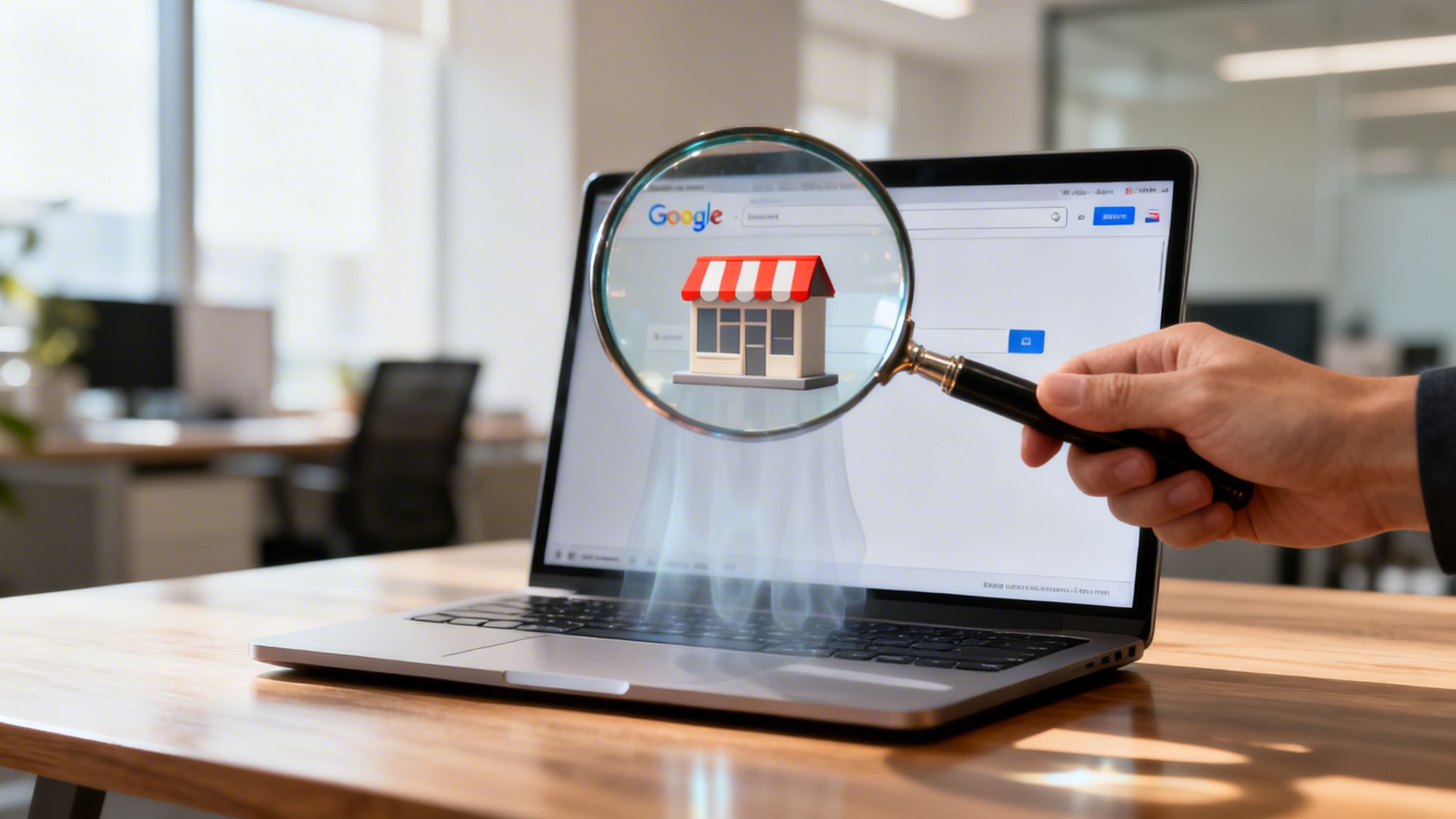

It’s a heart-sinking moment for any UK business owner. You type your company’s name into Google, hit enter, and get… nothing. That instant you ask, "why is my business not showing up on Google?" you’ve hit a problem that feels huge, but is almost always fixable.
Usually, the issue boils down to a breakdown in how Google discovers and, more importantly, trusts your business. Most of the time, this points to either an unverified Google Business Profile or a website that Google hasn’t even indexed yet.
Understanding Your Google Invisibility
Think of Google as a librarian for the world's biggest business directory. For a customer to find your 'book' (your business), it first needs a proper library card. The most common reason a business is invisible is that its 'library card'—the Google Business Profile—is incomplete, unverified, or full of mistakes. Without that official stamp of verification, the librarian simply can't trust that you're a real, legitimate business and won't recommend you to people searching.
Another frequent culprit is that your 'book' isn't even on the library's shelves. This is what happens when your website isn't indexed. Indexing is the process where Google finds your web pages and adds them to its gigantic database. If something is blocking Google from crawling your site, like a stray "noindex" tag, it’s like putting a permanent 'Closed' sign on your digital front door.
To get a handle on where to start looking, it helps to work through the problem logically. This diagnostic flowchart shows the first few questions you need to ask to figure out why your business is playing hide-and-seek with Google.
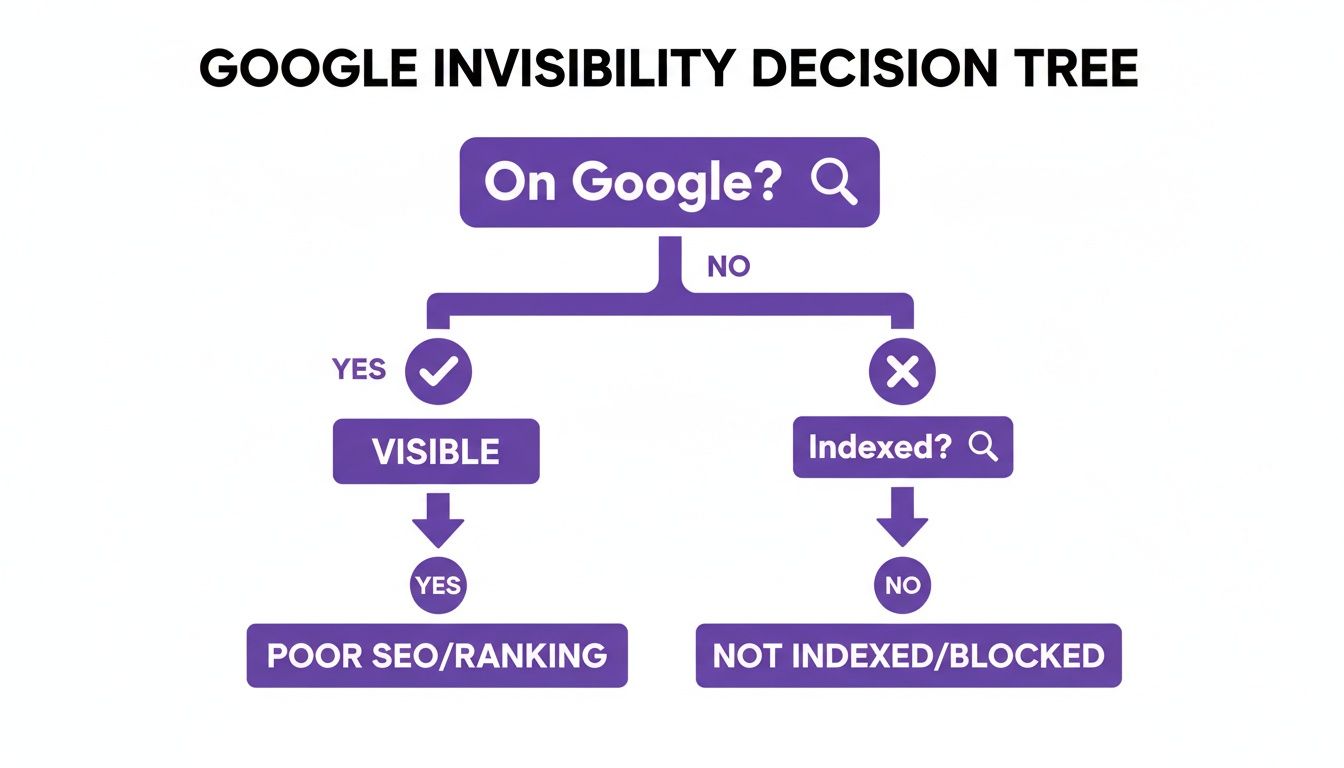
As you can see, the path to getting found starts with confirming your presence on Google and then checking the absolute fundamentals, like profile verification and website indexing. These first steps are absolutely critical. A recent study found that businesses with a complete Google Business Profile are seen as 2.7 times more reputable, which shows just how much weight Google gives it.
Initial 5-Minute Visibility Check
Before you dive deep, run through these quick checks. This table will help you rapidly spot the most common reasons your business isn’t showing up where it should be.
| Problem Area | How to Quickly Check | What This Tells You |
|---|---|---|
| GBP Verification | Search for your exact business name and address in Google Maps. Does your profile appear with a "Own this business?" link? | If you see that link, your profile is likely unverified. This is your number one priority to fix. |
| Website Indexing | Go to Google and search for site:yourwebsite.co.uk. |
If you see "Your search did not match any documents," Google hasn't indexed your site. It's invisible. |
| Suspension | Log into your Google Business Profile. Do you see a prominent red banner warning of a suspension? | A suspension means Google has taken your profile offline, usually for a guideline violation. |
These checks are your first line of defence. If you get a hit on any of these, you’ve likely found a major part of the problem.
To get ahead of these issues, it’s vital that your digital presence is built correctly from the ground up. One of the best long-term solutions is to build SEO friendly websites that actually rank from day one. This guide will walk you through troubleshooting each of these common culprits, giving you a clear action plan to get your business back on the map.
And if you feel you're getting out of your depth, our team of local SEO specialists at Bare Digital are always here to help UK businesses like yours get the visibility they deserve.
Diagnosing Your Google Business Profile Health
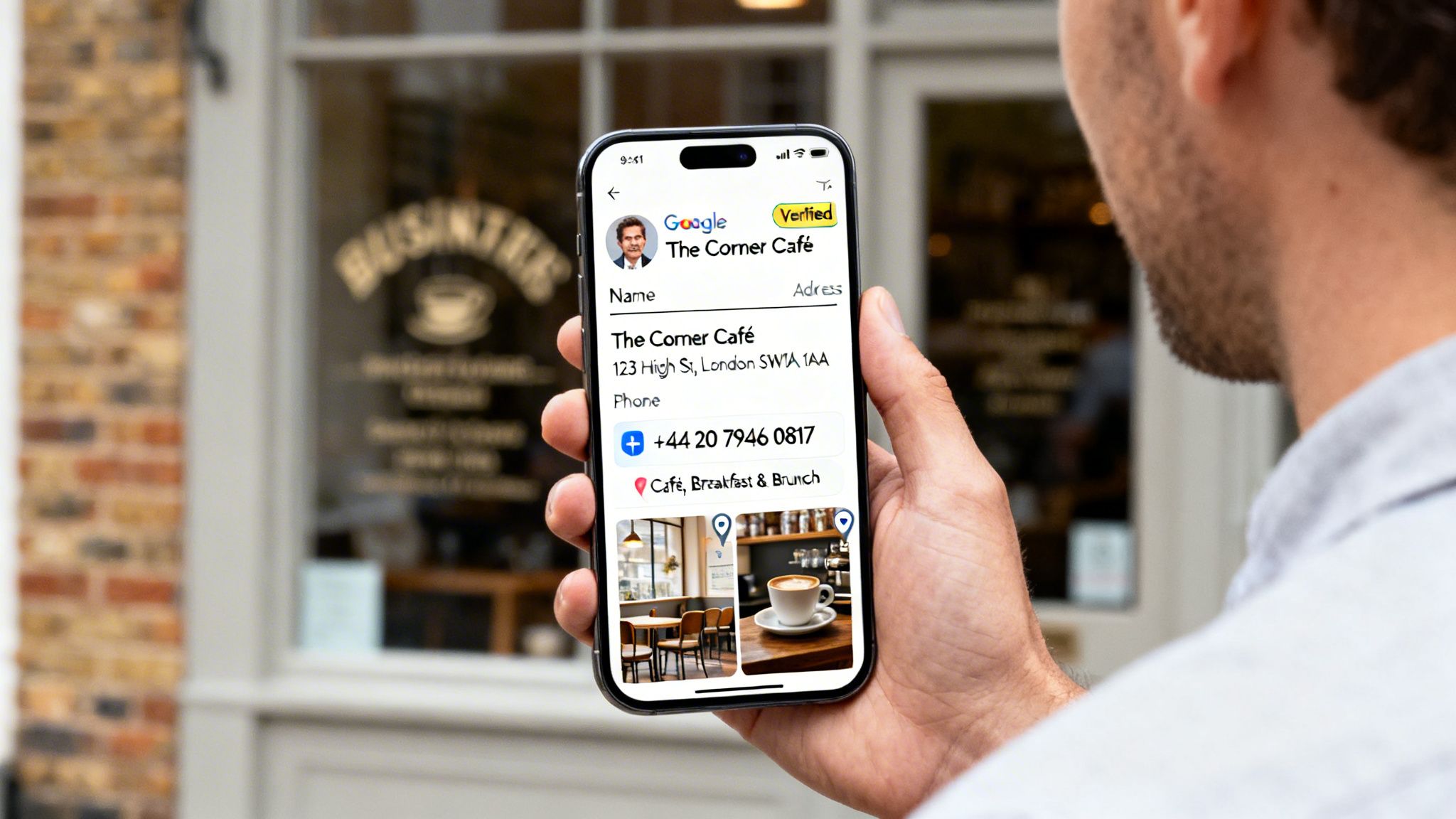
Think of your Google Business Profile (GBP) as your digital shop window. For any UK tradesperson, wedding venue, or local café, it’s often the very first interaction a potential customer has with your brand. If that window is boarded up, mislabelled, or just plain missing, you’re invisible.
More often than not, when a business vanishes from Google, the problem can be traced straight back to its GBP. An unverified, incomplete, or suspended profile is like a shop with no sign on a busy high street—people will walk right past without a second glance. This isn't just a minor blip; it's a critical roadblock stopping local customers from finding you.
And the numbers don't lie. A staggering 94% of UK consumers use Google to find local businesses. If your GBP isn't live and healthy, you’re missing out on a huge slice of your market. One study even found that unclaimed profiles get seven times fewer clicks than their verified competition, which really shows the massive cost of doing nothing.
Is Your Profile Verified and Live?
Before you do anything else, you have to confirm your profile is actually verified. Verification is Google’s handshake—its way of confirming your business is legitimate and operates where you say it does. Without that handshake, Google simply won't trust you enough to show you to its users.
To check, just log into your Google Business Profile dashboard. If you see any big banners or notifications shouting "Verify Now," that’s your number one priority. Until that’s done, your business is stuck in limbo, invisible on Google Maps and in local search results.
The verification process can take a few different forms:
- Postcard: This is the classic method. Google mails a postcard with a code to your business address, which can take up to 14 days to arrive.
- Phone or Email: A much quicker, instant method, but it’s only offered to certain eligible businesses.
- Video Recording: Google might ask for a short video showing your premises, signage, and other proof that you operate there.
Be warned: even after you're verified, making big changes to core info like your business name or address can trigger the whole process again, making your profile temporarily disappear while you wait.
Completing Every Section of Your Profile
An incomplete profile is a huge red flag for Google's algorithm. Think about it from a customer’s point of view: if you were looking for a reliable electrician, would you trust the one with a full profile, photos, and clear opening times, or the one with just a name and half an address? Google thinks the same way.
A complete profile signals activity and trustworthiness. Google prioritises businesses that provide a rich, comprehensive user experience because it reflects well on their search results. Leaving fields empty is a missed opportunity to build that trust.
It's time for an audit. Go through every single section of your profile and make sure it’s filled out accurately and completely. Pay special attention to these areas:
- Primary and Secondary Categories: Be as specific as possible with your primary category (e.g., "Wedding Photographer" instead of just "Photographer"). Then, add all the other relevant secondary categories.
- Service Area: If you’re a Service Area Business (SAB) who travels to customers, like a plumber or mobile dog groomer, define your service area clearly by town, city, or postcode.
- Business Description: Write a compelling description that naturally explains what you do and where you do it.
- Attributes: Don't skip these! Add details like "Women-led," "Outdoor Seating," or "Free Wi-Fi." These little tags help you show up in much more specific searches.
For a deeper dive, you can use our guide on how to perform a full Google Business Profile audit. It will give you a methodical checklist to make sure nothing is holding your profile back. A fully fleshed-out profile is the absolute foundation for getting found on Google.
Checking If Google Has Indexed Your Website
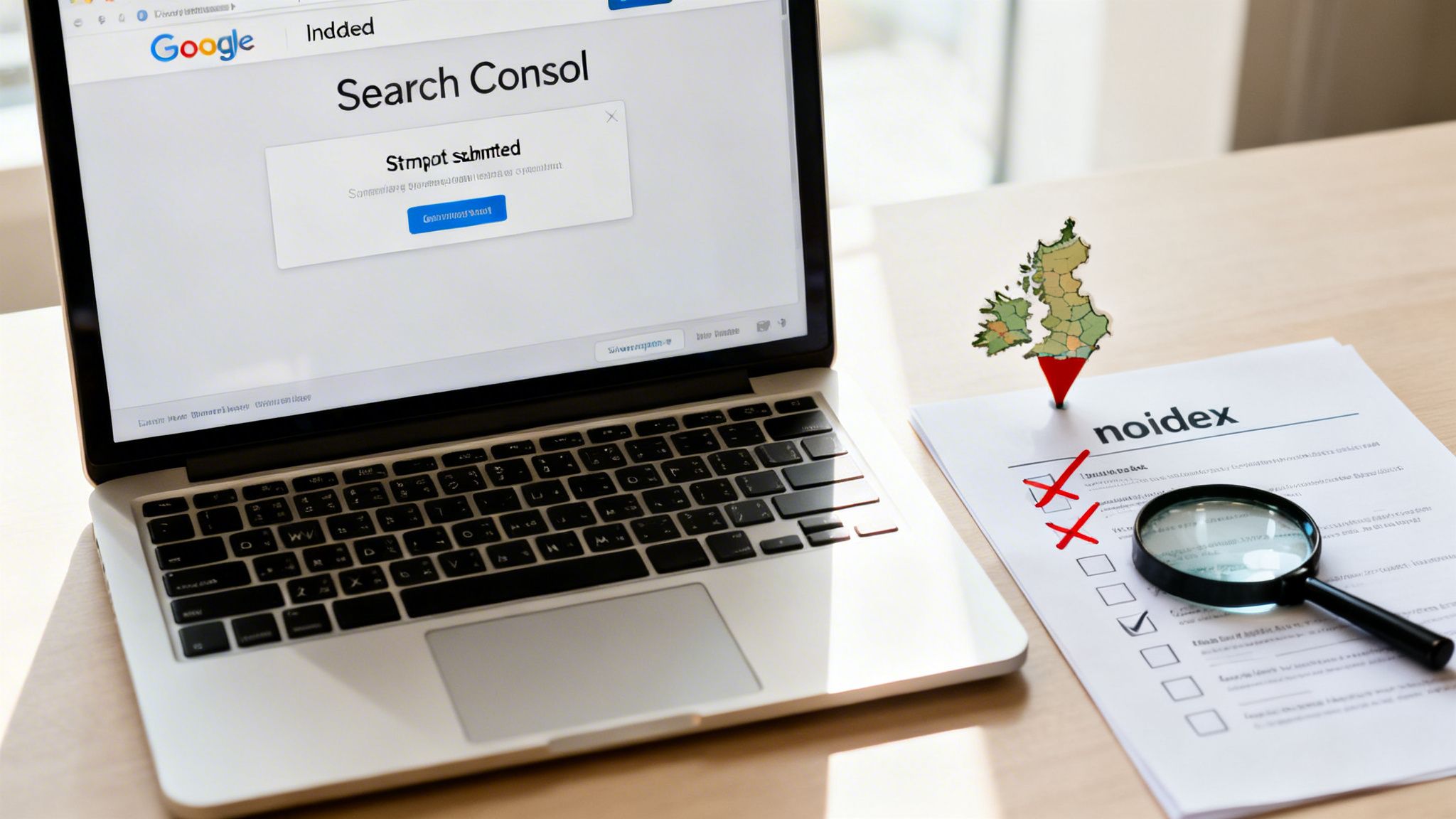
While your Google Business Profile is your digital shop window, your website is the flagship store itself. But if Google hasn't ‘indexed’ your site, it’s like having a brilliant shop that’s completely invisible, tucked away on a street that isn't on any map. It’s one of the most common reasons a business simply doesn't show up on Google.
So, what is indexing? It's just Google's process of discovering, understanding, and storing your webpages in its colossal database. Think of Google as a librarian running the world's biggest library. If that librarian doesn’t know your book (your website) exists, it will never make it onto the shelves for people to find.
Using Google Search Console to Check Indexing
The only way to know for sure if the librarian has catalogued your book is to check the library’s records directly. For us, that record book is Google Search Console. It's a free, non-negotiable tool that gives you a behind-the-scenes look at exactly how Google sees your website. If you haven't set it up, stop what you're doing and get it sorted.
Once you’re in, the "Page indexing" report is your first port of call. It gives you a crystal-clear list of all the pages Google knows about and—crucially—which ones it has decided not to index.
This report is a vital health check. It immediately shows you how many of your pages are successfully on Google's shelves versus those gathering dust in the stockroom. A high number of "Not indexed" pages is a red flag that needs investigating right away.
Finding and Fixing Common Indexing Blockers
If you discover your pages aren't being indexed, it often comes down to two main culprits. They’re simple technical instructions, but they can completely derail your visibility if they're set up incorrectly.
The first is the ‘noindex’ tag. This is a tiny bit of code on a webpage that acts as a strict "Do Not Enter" sign for Google's crawlers. It’s surprisingly common for web developers to accidentally leave these tags on live pages after a site launch, effectively making them invisible to search engines.
The other major blocker is your robots.txt file. This is a simple text file on your server that gives Google rules about which parts of your website it can and cannot explore. One wrong line in this file can block Google from crawling entire sections of your site.
Think of a 'noindex' tag as locking a single door in your store. A misconfigured robots.txt file, on the other hand, is like barricading the main entrance entirely. Both stop customers (and Google) from getting in.
To fix these problems, here’s what you do:
- Use the URL Inspection Tool inside Google Search Console to check a specific page. It will tell you in plain English if the page is blocked by a 'noindex' tag or your robots.txt file.
- Submit a Sitemap: A sitemap is basically a neat inventory list of your entire website that you hand directly to the librarian. Submitting one through Search Console helps Google find all your important pages much faster and makes sure nothing gets missed.
Making sure your website is technically accessible is the absolute foundation of any decent online strategy. For businesses in competitive areas, getting these technical details spot-on with expert SEO services in Peterborough can be the deciding factor in outranking your local rivals.
How You Stack Up Against Local Competitors
Sometimes, the real reason your business isn’t showing up on Google isn’t that you’re invisible—it’s that your competitors are just doing a better job. In fiercely competitive UK markets for services like photography, construction, or healthcare, the top three spots in the Google Map Pack are the only ones that truly matter. If you’re not there, you might as well be on page ten.
It’s a common misconception that being the closest business to the searcher is all it takes. That might have worked years ago, but Google's modern algorithm is far more sophisticated. It prioritises two critical factors above sheer proximity: authority and relevance.
Think of it this way: if you were asking a friend for a recommendation for the best Italian restaurant, you wouldn't just trust the closest one. You'd trust the one everyone raves about. That’s exactly how Google thinks. It builds a picture of your authority through signals like a constant stream of positive reviews, links from other reputable local websites, and hyper-local content that proves you are a dominant force in your specific postcode or town.
Without these vital trust signals, you’ll consistently lose out to rivals who have them in spades, even if they're physically further away.
Uncovering the Unbiased Truth
To get a real sense of where you stand, your first step is to see the search results as an average customer would. Your own search history and location can heavily skew what Google shows you, giving you a false sense of security. The solution is simple: perform an incognito search.
Open a private browsing window (Incognito in Chrome, Private in Safari or Firefox) and search for your main services plus your location. Think "wedding photographer Cambridge" or "emergency plumber near me". This strips away your personal biases and gives you a clean, unbiased view of the top players.
Who consistently appears in those top three Map Pack results? These are the businesses you need to put under the microscope. They are clearly doing something right, and your job is to figure out what that is and where you can find a strategic edge.
Analysing What Your Competitors Do Right
Once you’ve identified your top three local competitors, it’s time to put on your detective hat. You need to scrutinise their entire online presence to spot patterns and uncover the strategies that are powering their high rankings.
Start with their Google Business Profiles. This is often where the battle for local visibility is won or lost. Look for these key elements:
- Review Volume and Velocity: How many reviews do they have, and how recently were they posted? A steady flow of new, positive reviews is a massive trust signal to Google.
- Category Optimisation: Are they using more specific primary and secondary categories that you might have missed? This can make a huge difference.
- Regular Posts and Q&A Activity: Are they consistently using Google Posts to announce offers or share updates? An active, engaged profile signals to Google that the business is thriving.
- Photo and Video Content: High-quality, geotagged images of their work, premises, and team help build a rich, engaging profile that both customers and Google love.
The competition for local visibility in the UK is intense. In fact, research shows the top three spots in the Google Map Pack capture an incredible 75% of all user clicks. For saturated sectors like healthcare or wedding venues, the average top-ranking entry has around 42 reviews, far exceeding the UK median of just 12.
This data highlights a clear, simple truth: just having a profile isn't enough. You need to actively build a presence that is demonstrably better than your rivals. For more advanced strategies on how to achieve this, you might be interested in our deep dive into expert SEO services in Cambridge, which can make a significant difference in crowded local markets.
Are Technical Website Issues Holding You Back?
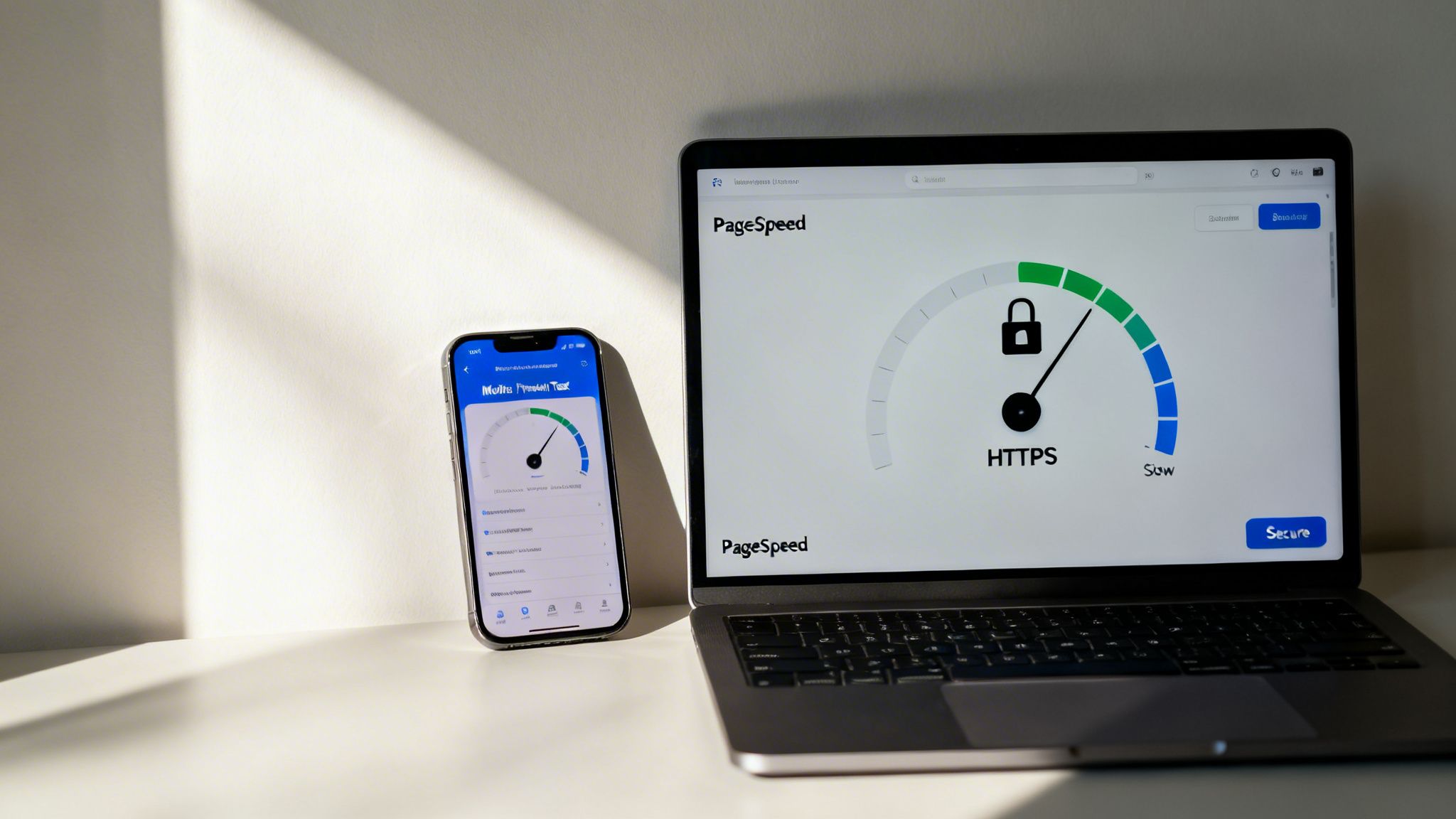
Even with a perfectly polished Google Business Profile, you might still be a ghost in the search results if your website is secretly struggling. Technical SEO is the invisible foundation of your online presence. If that foundation has cracks, every other marketing effort you build on top of it is at risk of falling flat.
Think of your website as your digital property. It might look great from the outside, but if the plumbing is shot and the wiring's a mess, it's not a functional space. These hidden technical glitches—like sluggish loading speeds or a site that isn't secure—can cause Google to push your business down the rankings, or worse, ignore it completely.
The Need for Speed and Security
In a world where most local searches happen on a mobile phone, speed is everything. If a potential customer clicks on your site and has to wait more than a few seconds for it to load, they're gone. It's that simple. In fact, Google has confirmed that page load time is a direct ranking factor for both desktop and mobile searches.
Google now measures this user experience through a set of metrics called Core Web Vitals. These checks look at how quickly your page loads, how soon people can interact with it, and how stable the layout is as it appears. A poor score here tells Google your site offers a bad user experience, which directly hurts your visibility.
On top of that, website security is no longer an optional extra. If your website URL still starts with http:// instead of https://, it is not secure. Google Chrome actively flags these sites with a warning, which instantly kills trust and sends visitors running for the hills.
Google’s entire mission is to provide users with the best, most relevant, and safest results. A slow, insecure, or clunky website flies in the face of that mission. As a result, the algorithm will always favour competitors whose websites offer a better technical experience.
How to Diagnose Your Website’s Technical Health
The good news is you don't need to be a web developer to give your site a basic health check. Google provides free tools that make it surprisingly easy to see what’s going on under the bonnet. The most important one is PageSpeed Insights.
Simply pop your website’s URL into the tool, and it will give you a performance score out of 100 for both mobile and desktop. More importantly, it generates a detailed report showing you exactly what’s slowing your site down.
Common culprits often include:
- Large, unoptimised images: Photos that are too big take an age to download, especially over a mobile connection.
- Bloated code: Unnecessary junk code from plugins or themes can bog down your site’s processing time.
- Slow server response time: This usually points the finger at a problem with your web hosting provider.
The report provides actionable recommendations, like "Properly size images" or "Reduce initial server response time," pinpointing exactly what needs fixing. Addressing these issues is a fundamental step in ensuring your business gets found on Google.
To get ahead, you can explore our comprehensive local SEO checklist which covers these technical points and more. By shoring up your website's foundation, you create a stable platform for growth and make sure you're not being held back by invisible flaws.
Your 90-Day Plan From Invisible to In-Demand
Knowing *why* your business is invisible on Google is one thing. Actually fixing it is another entirely. True visibility comes from taking decisive, structured action, not just chasing every new idea.This 90-day plan is your roadmap. It’s built for busy UK business owners, breaking down the journey from invisible to in-demand into manageable, high-impact chunks. Instead of trying to do everything at once, we’ll focus on what delivers the biggest results first, so you build momentum and see genuine progress fast.
The First 30 Days: Foundational Fixes
Your first month is all about laying a rock-solid foundation. These are the non-negotiable tasks that tackle the most common and damaging visibility problems. If you only have time to do one thing, make it this.
Week 1: Claim and Fully Complete Your Google Business Profile. This is your absolute top priority. Claim your profile, get it verified (usually by postcard), and then fill out every single section. Don’t skip a thing, from business hours to attributes.
Week 2: Set Up Google Search Console and Submit Your Sitemap. Think of this as handing Google the keys and a map to your website. Verify your site with Search Console to spot indexing issues and submit your sitemap to make sure Google can find all your important pages.
Week 3: Conduct a NAP Consistency Audit. Check your Name, Address, and Phone number across major UK directories like Yelp, Yell, and your own social media profiles. Correct every single inconsistency you find, no matter how small.
Week 4: Start Your Review Campaign. Begin actively asking your happiest customers for Google reviews. Create a simple link to your review page and share it right after a successful job or sale. This builds immediate trust.
The Next 60 Days: Building Authority and Momentum
With the essentials locked down, the next two months are about out-muscling your competition and proving your relevance to Google. This is where we shift from fixing problems to actively building your authority.
As part of this comprehensive plan, you'll need to build an online presence that lasts well beyond these initial fixes.
For businesses in competitive markets or those managing multiple locations, this is often the point where professional guidance can dramatically speed things up. An expert can fine-tune your strategy, saving you precious time and delivering much faster growth.
This blueprint gives you a clear path forward. By following these steps, you’ll methodically transform your online presence from a background worry into a powerful tool that brings new customers right to your door.
Still Have Questions? We Have Answers.
Trying to figure out Google's quirks can feel like an uphill battle. To cut through the noise, we've rounded up some of the most common questions we hear from UK business owners when their company goes missing from search results.
How Long Does It Take to Show Up on Google After Fixing an Issue?
That’s the million-dollar question, and the honest answer is: it depends. If the problem was a simple Google Business Profile verification, you could pop up on Google Maps and in local results within a few days to a couple of weeks. It’s one of the quickest fixes.
However, if you’re sorting out bigger website indexing issues, you’re on Google’s time. It can take anywhere from a few days to several weeks for Google's crawlers to revisit your site and register the changes. And for competitive rankings—where you're trying to out-muscle established rivals—you need to be more patient. A steady, consistent SEO effort over 3-6 months is a far more realistic timeframe to see proper, lasting results.
My Business Is Brand New. Is It Normal to Not Show Up Yet?
Yes, absolutely. This is completely normal, so don't panic. Google runs on trust, and a new business is an unknown quantity. Think of it like being the new shop on the high street—it takes a while for people to notice you, visit, and start spreading the word.
Your immediate job is to get the foundations right:
- Create and fully verify your Google Business Profile. This is non-negotiable.
- Build a professional website that works perfectly on mobile.
- Submit your sitemap directly to Google via Google Search Console to give them a roadmap of your site.
For a new business, getting visible on Google isn't a flip of a switch; it's a process of building digital trust and authority brick by brick.
Don't panic if you're invisible on day one. Focus on getting the basics right, and visibility will follow. Patience and a consistent effort are your best friends in these early days.
Can I Rank in a City Where I Don’t Have a Physical Address?
This is extremely difficult, and trying to cheat the system often goes against Google's rules. Google’s local results are all about proximity and showing searchers genuine local businesses. Using a P.O. box or a virtual office address for your Google Business Profile is a clear violation of their guidelines and a fast track to getting your profile suspended.
If you’re a Service Area Business (SAB)—like a mobile dog groomer or a wedding photographer who travels to clients—you can set this up correctly. You hide your physical address and define the specific postcodes or areas you cover. While this is the right way to do it, you will still rank most strongly in and around your actual, verified location.
Your best bet for ranking in other cities is to build high-quality, targeted landing pages on your website for each location. These pages should be packed with local proof, like case studies from that area, testimonials from local clients, and geographically specific details.
My Google Business Profile Was Suspended. What Should I Do?
A suspension is serious—it means your profile has been completely removed from Google. The first rule is: do not create a new profile. This will only confuse Google and make the situation much harder to fix.
Instead, take a deep breath and carefully read Google's official guidelines to figure out what went wrong. Common culprits are keyword stuffing your business name (e.g., "Dave's Plumbing – Best Emergency Plumber in Bristol") or using an address that isn’t eligible.
Once you’ve found and fixed the problem, you need to submit a reinstatement request through your GBP dashboard. Be honest, provide any documents they ask for to prove you're a legitimate business, and explain the corrective action you’ve taken. The reinstatement process can take a few weeks, so you'll need to be patient.
Getting your business to show up consistently on Google involves a lot of moving parts. If you'd rather have an expert handle it all for you, the team at Bare Digital has over 15 years of experience helping UK businesses dominate local search. Get your free SEO health check today.